Archive

Category: Aritculate

Rise Courses Banner

How to Make Presentable Articulate Rise 360 Courses for Learners

Articulate Rise is a modern browser-based eLearning Authoring tool. It has a clean and minimal User interface & it is easy to use for not only experienced instructional designers and developers but also for those who are just starting in eLearning development. Articulate Rise360 has a wide variety of templates that designers can choose from […]

Read article

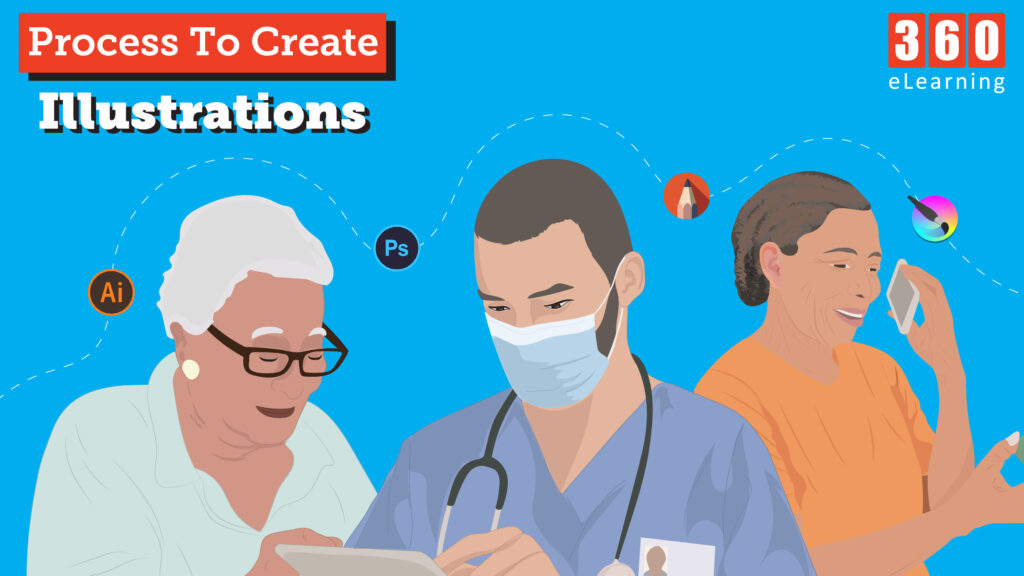
The Process to Create Illustrations for eLearning

Why illustrations are important? When it comes to eLearning, illustrations play a very important role in creating an attractive and engaging experience for learners. Creating custom illustrations can help brands tell their story to customers in a really fun, unique, and interactive way. Let’s see how these illustrations are created, there are many software available […]

Read article

eLearning for Multilateral Settings: Audience from Diverse Backgrounds

Training is key to success for any organization. A massive surge in multinational organizations has been observed in the past half-century. Consequently, a great number of managers and executives are becoming a part of the workforce looking for leading roles in their specific industries. This can be made possible only through relevant learning and development. […]

Read article

How Visual Aids add to the eLearning Design

Research clearly points to the value and significance of effective visual design for creating positive learning experiences. Visual clarity should be a guiding principle in any design. There are many benefits of visual clarity. The visual clarity of your content affects processing fluency. It impacts how easy the materials are to use and comprehend. Much […]

Read article

An Introduction to Articulate Rise: How You Can Build Responsive Courses Quickly?

Articulate Rise made things easier to develop responsive courses with less amount of time. Rise automatically adapts courses for every device, you don’t need to do anything. You just need to structure course content and Rise gives you the pre-built lesson, custom block lessons, and assessments to place content accordingly. In this article, we will […]

Read article
Custom Volume Controls in Articulate Storyline 2

How to Create Custom Volume Controls in Articulate Storyline 2?

In the Articulate Storyline 2, by default, the Volume Control position is fixed on the player and cannot be customized. We took it as challenge for us to develop custom volume controls in articulate storyline . How did we overcome this limitation? We created our own customized audio controls using slider via JavaScript. This way […]

Read article
Javascript in Articulate Storyline

How to Embed Javascript in Articulate Storyline

We are massive fans of Articulate’s Storyline product here at 360elearning Company. It’s now our tool of choice when developing eLearning modules. One of the fantastic features is the use of triggers and in particular Javascript triggers by which we can embed Javascript in Articulate Storyline. Now we are not Javascript experts, however that doesn’t […]

Read article

Playing Background Music Continuously in Course In Articulalte Storyline 2

Articulate Storyline 2 provides the flexibility to customize interactivity to the max with minimal efforts. This web based authoring tool gives feasibility to add JavaScript which can be of great help to take your eLearning courses to the next level. It’s fairly easy to extend and enhance the functionality of the built-in features in Storyline […]

Read article

Articulate Storyline 3 | New Features

Articulate Storyline is a powerful tool for developing attractive and helpful eLearning courses. This eLearning authoring tool covers lots of features which are not possible through other tools used for the same purpose. Recently Articulate launched Storyline 360 having many new features without changing old features that have been in Storyline 2. Articulate Storyline 360 […]

Read article